
Notice: This Wiki is now read only and edits are no longer possible. Please see: https://gitlab.eclipse.org/eclipsefdn/helpdesk/-/wikis/Wiki-shutdown-plan for the plan.
OSEE/DownloadInstallAndConfigureOsee/Install OSEE as an Eclipse Repository
- Start Eclipse
- Select Help > Install New Software...
- Click the Add... button
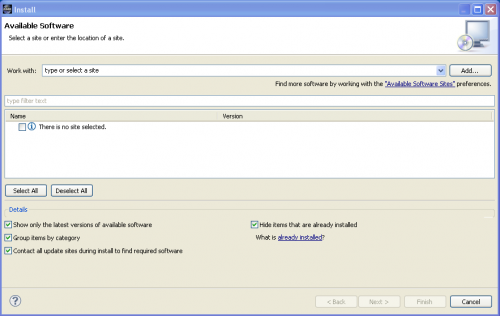
- Enter the following values in the Add Repository dialog:
- Name: OSEE Repository Archive
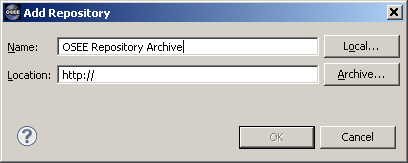
- Name: OSEE Repository Archive
- Click Archive...
- Locate the ZIP file downloaded with <these> instructions and click Open
- Click OK
- Check the osee_client ... entry. Note that this will automatically check all the children of this item
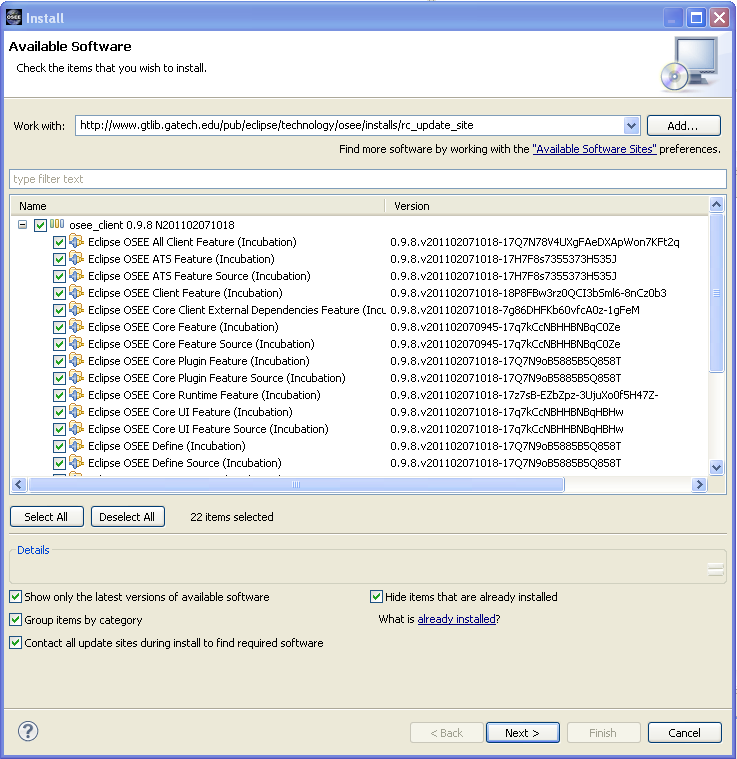
- Click the Next > button.
- (It may take a few moments for the software to calculate the requirements and dependencies)
- When presented with a list of packages you may modify the selections or leave the default choices
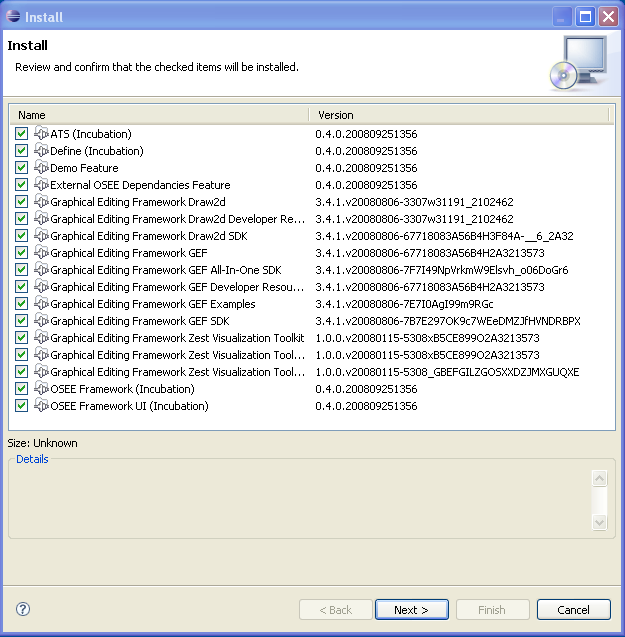
- Click Next >
- Read the License text
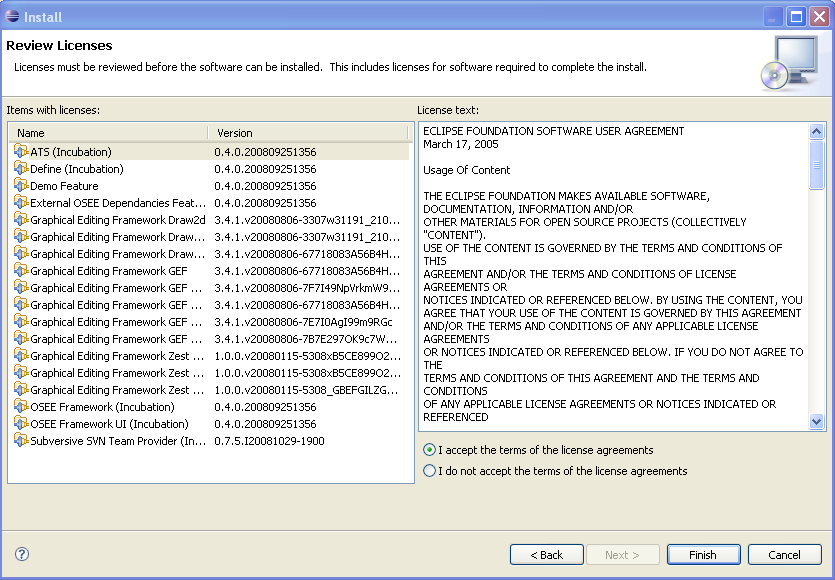
- If you agree with the terms of the license select I accept the terms of the license agreements
- Click Finish
- IMPORTANT! Click No in the Software Updates dialog
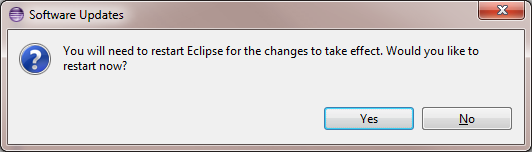
It is important to shutdown Eclipse and that you don't restart Eclipse until you have completed the database initialization <HERE>.


